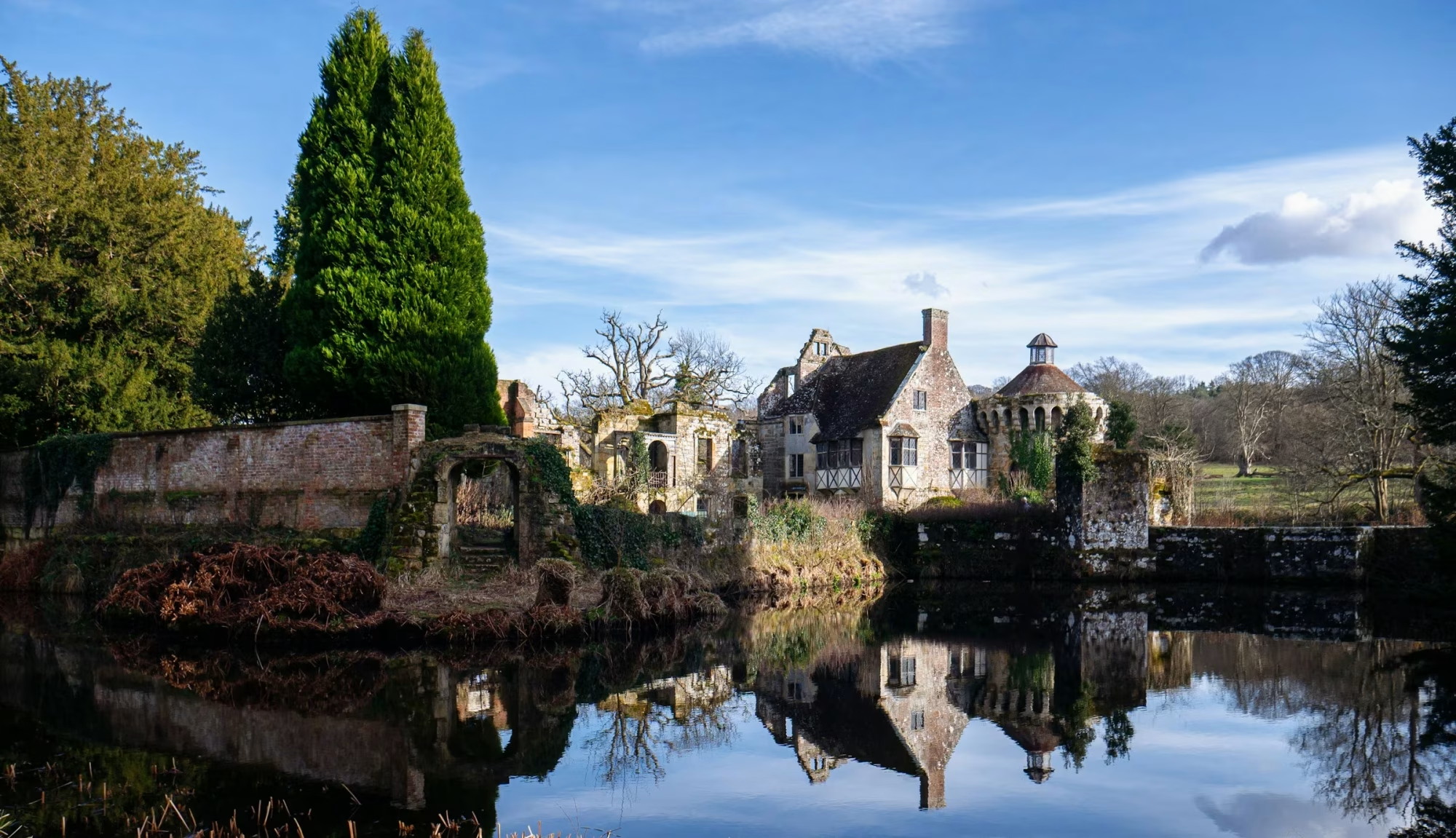
I am working on a project where a background image may be important, or I need to provide some basic information. Turning to ChatGPT, as I often do, I got the foundation of the snippet I needed. I made a couple of tweaks to match my requirements better.
The snippet
I used the prompt: “Using Bricks Builder, create a function to return the featured image caption.” The results included wrapping the content in a div and more, which I did not want, so I adjusted the final code to meet my needs.
function featured_image_caption() {
    // Get the ID of the current post's featured image.
    $thumbnail_id = get_post_thumbnail_id();

    // Retrieve the featured image's post object to access its caption.
    $thumbnail_image = get_post($thumbnail_id);

    // Check if the featured image exists and has a caption.
    if ($thumbnail_image && !empty($thumbnail_image->post_excerpt)) {
        // Echo the caption.
        return  esc_html($thumbnail_image->post_excerpt);
    } else {
        // Optional: Echo a default message or leave blank if no caption is available.
        return '';
    }
}
Now that I have the snippet, all that I need to do is echo it into my basic text block.

Once I tested the output, I checked on a page without an image or caption and realized I needed some conditional formatting — this is because I added the icon and pre-text. Easy enough. Just echo the dynamic data and test to ensure it has some length (not blank).

The final result
While it is best to escape the HTML, because I use auto attribution for my Unsplash images, I had to remove it for this site. I have added this feature to my single post template, as you can see above in the title bar.